Your alarm. Your task.
Choose a preset or write your own goal. Make it something a photo can prove.
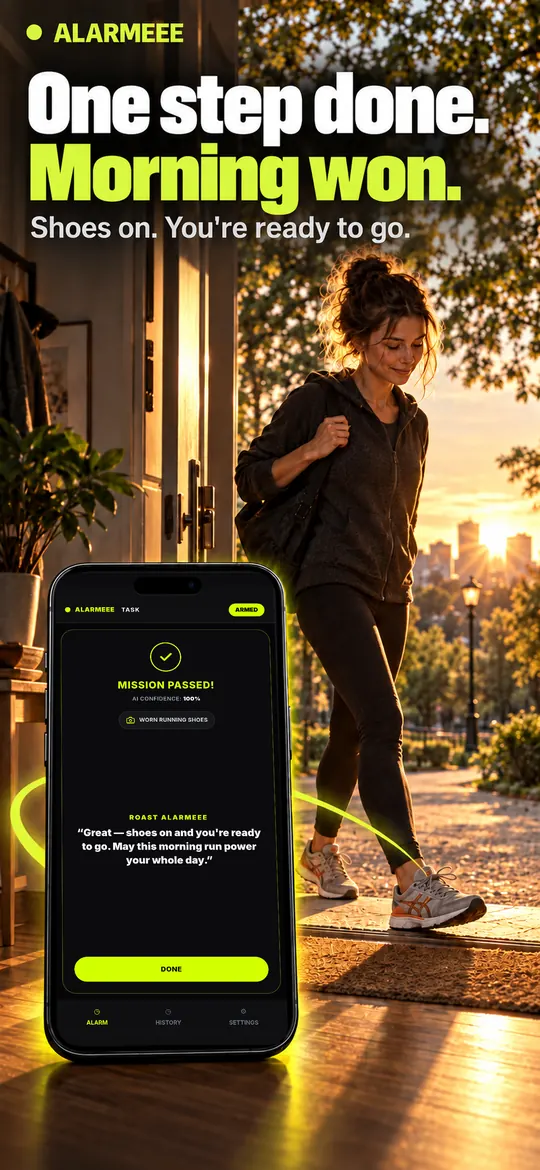
Running shoes on
Now on the App Store
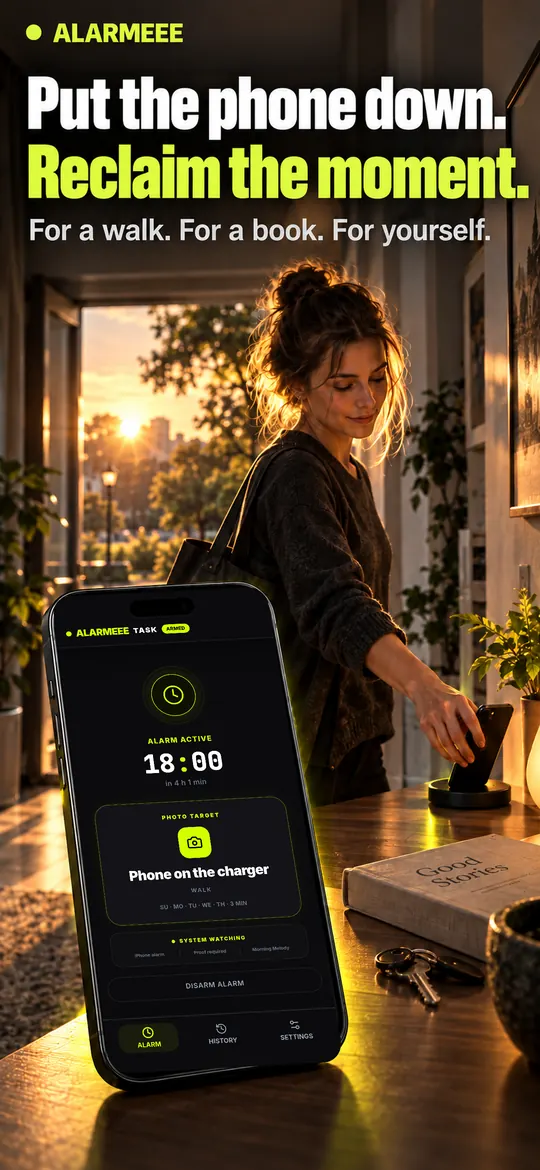
An alarm with a follow-through. Pick a task, get moving and take a fresh photo. AI checks the proof. Your morning starts with something done.
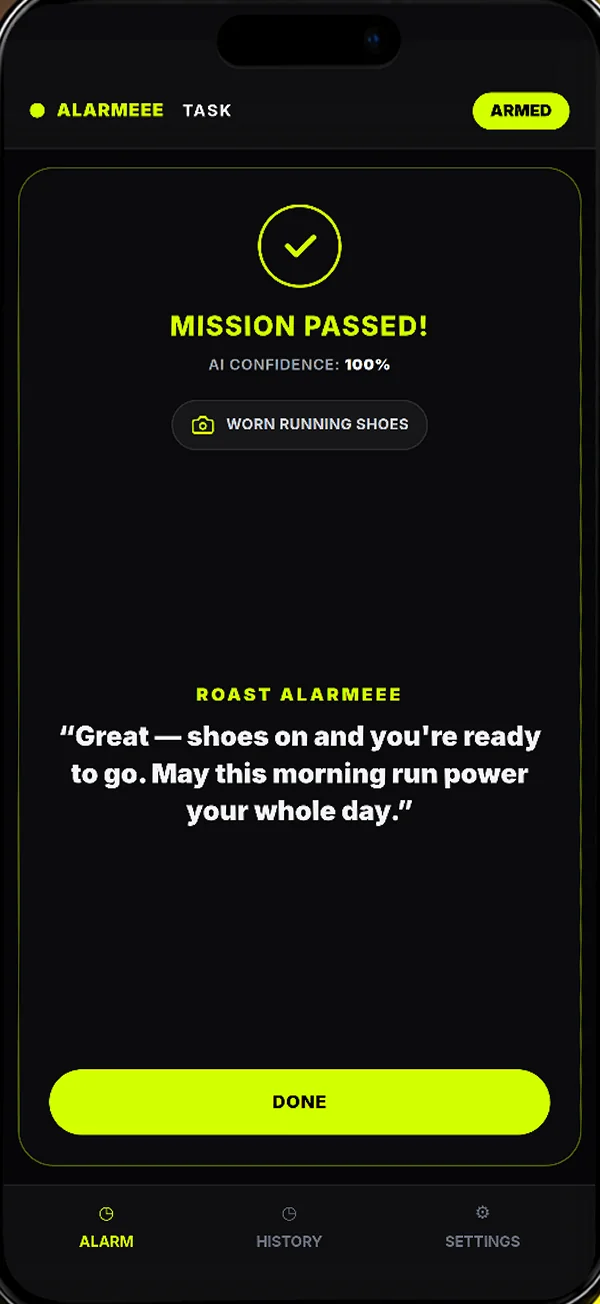
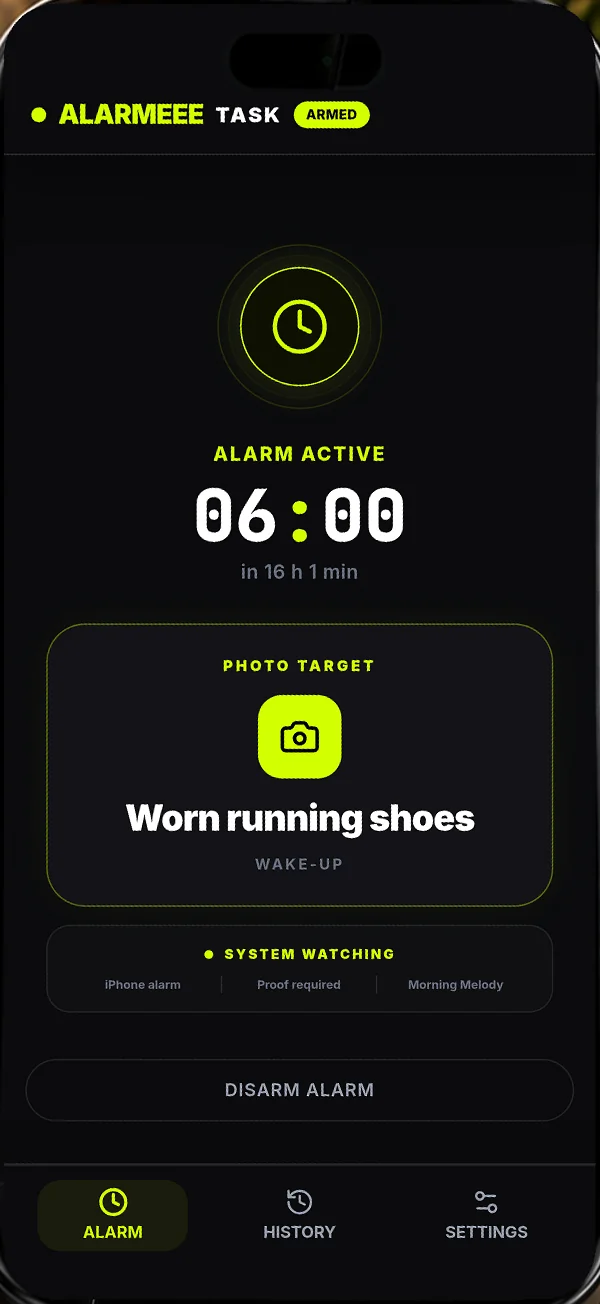
SMALL TASK. REAL START.
BUILT FOR FOLLOW-THROUGH
Your goal, your time and a photo that shows you did it.
Choose a preset or write your own goal. Make it something a photo can prove.
Take the photo in the app. AI checks whether it shows the task completed.
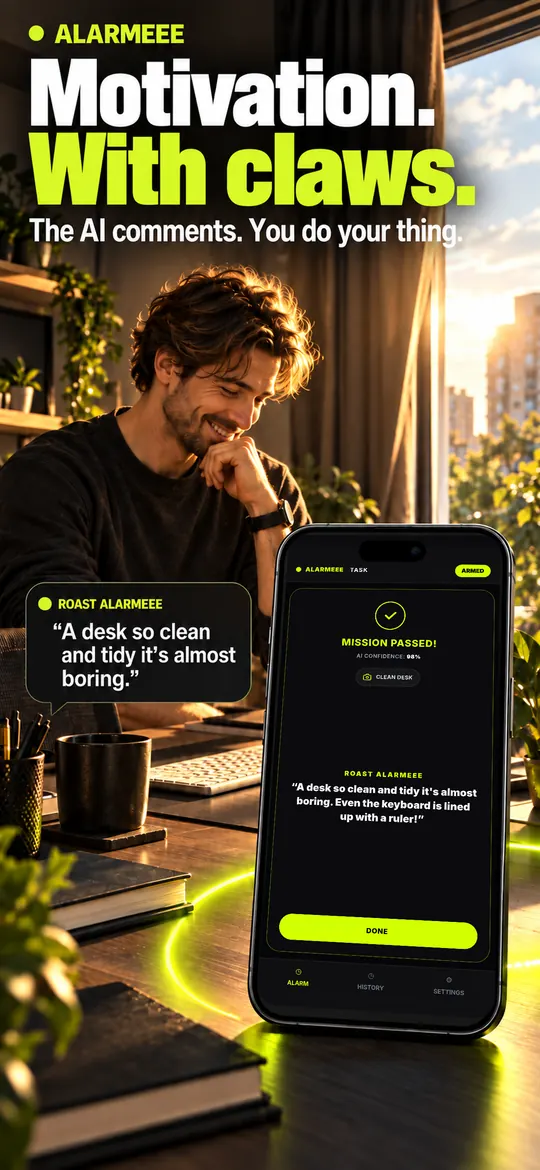
Gentle, medium or extreme: choose the tone of the AI feedback.
YOUR ROAST LEVEL
Alarm settings and wake-up history stay on your device. Photo checks use Gemini.
THREE STEPS. ONE TASK DONE.
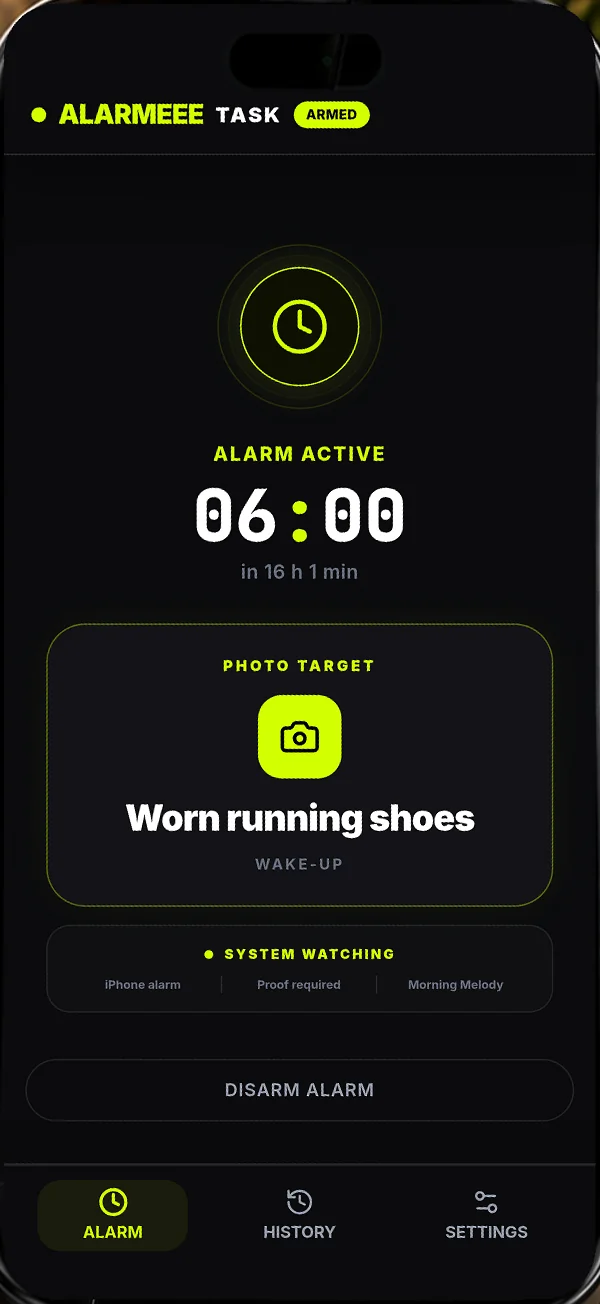
Pick a time and something to prove: running shoes on, a book open or a glass of water.
When it's time, the alarm keeps going until your photo proves you've done the task.
Take your proof photo: AI approves it or roasts your attempt and makes you try again.
INSIDE ALARMEEE
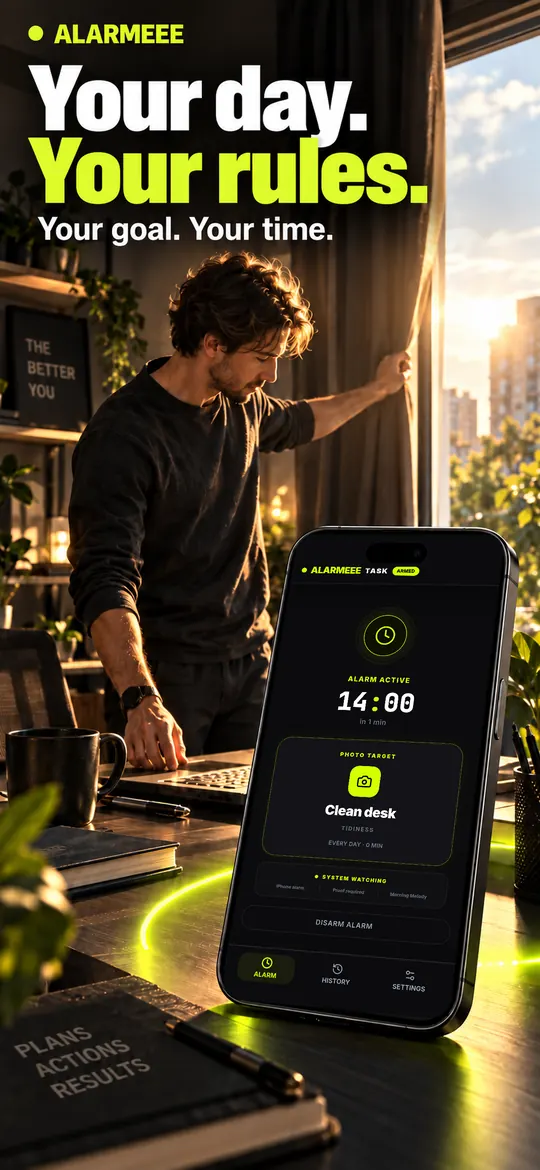
Real app screens in our App Store previews. From setting a goal to seeing the AI result.
FAQ
Here’s what to expect.
An iPhone alarm with photo tasks. Choose a time and a goal, complete the task and take a fresh photo in the app. AI checks the proof.
You get three free successful completions. After that, Premium is required. Monthly and annual plans are available; the app shows the current price and any trial you are eligible for before purchase.
No. Alarmeee does not require an account. Alarm settings, preferences and wake-up history are stored on your device.
Your photo and task are sent to the Alarmeee verification service and processed by Google Gemini. Alarmeee does not intentionally store photos after processing.
You get AI feedback, including a roast, and can try again with a clearer photo of the completed task. A rejected photo normally leaves the alarm active. There are exceptions for exhausted attempts and an emergency exit after technical failures.
Snooze is blocked during the mission. An approved photo completes it. The app also provides an emergency exit after repeated technical failures; unused scheduled alarms can be disarmed in the app.
Polish, English, German, French and Spanish. You can choose the app language in Settings.
Camera access and an internet connection for AI verification. System alarms and extra daily goals use AlarmKit on iOS 26; alarm permission is required.
YOUR NEXT MORNING
Set one task tonight. Tomorrow, give your alarm something to approve. Start with three free completions.